Strong data deserves
a strong layout
What you see here is real output from JACVault: 12 CVs with demo data, set by the same engine as your PDF. In the Layout Editor you adapt any of them to your style.
Six designs, two colors each
12 layouts · Click to enlarge-
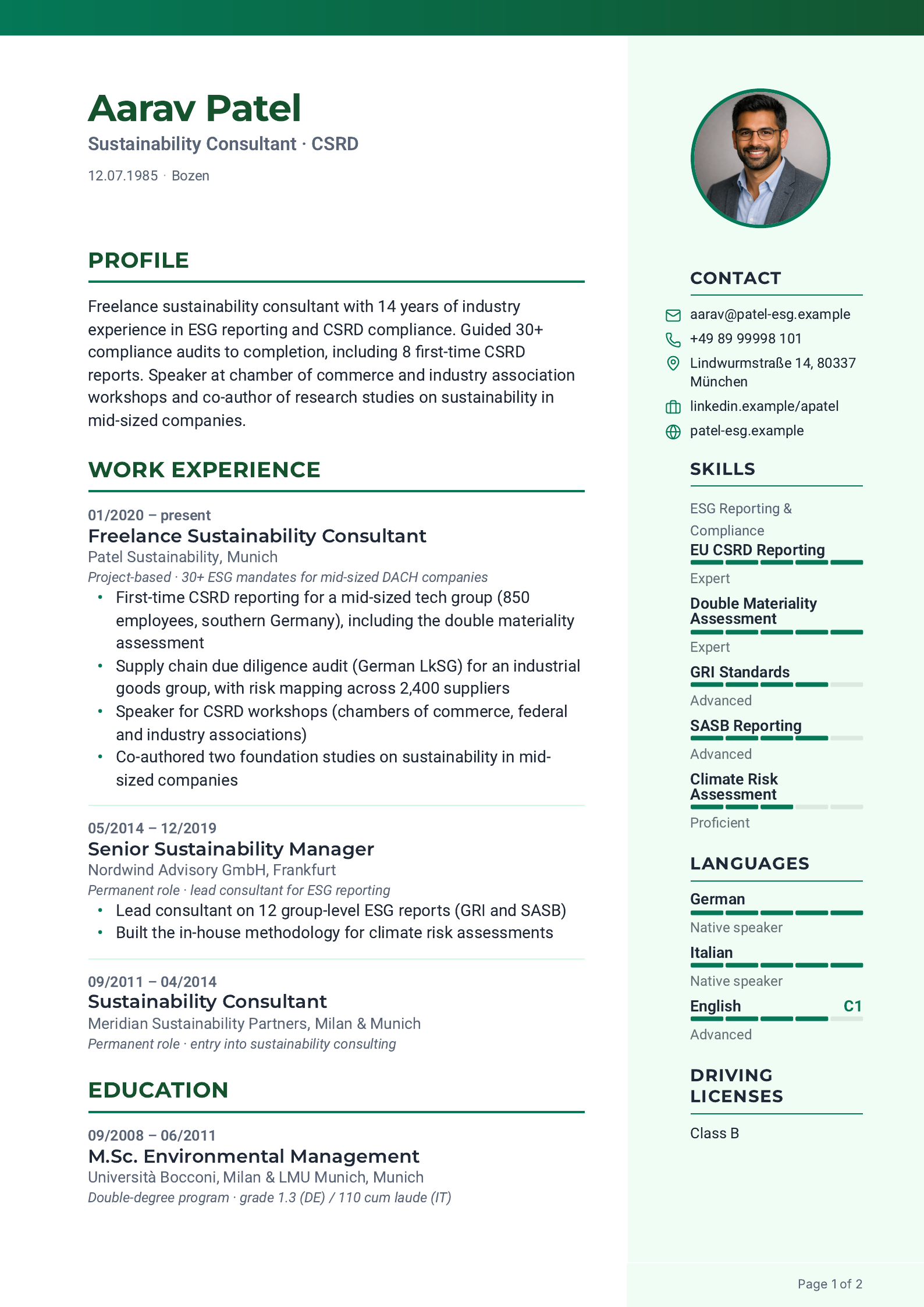
Light green sidebar on the right for contact and skills.
-
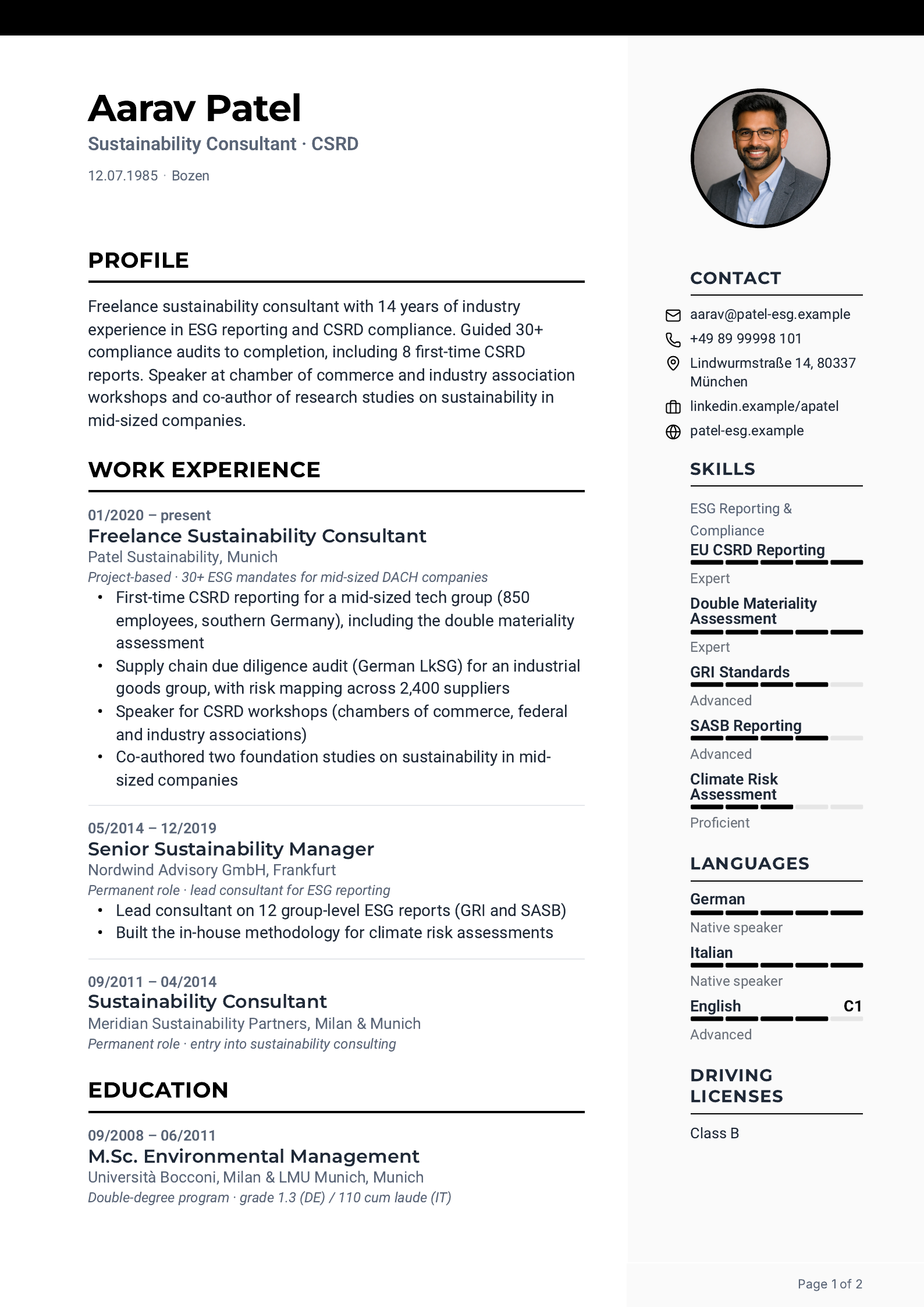
Light gray sidebar on the right for contact and skills.
-
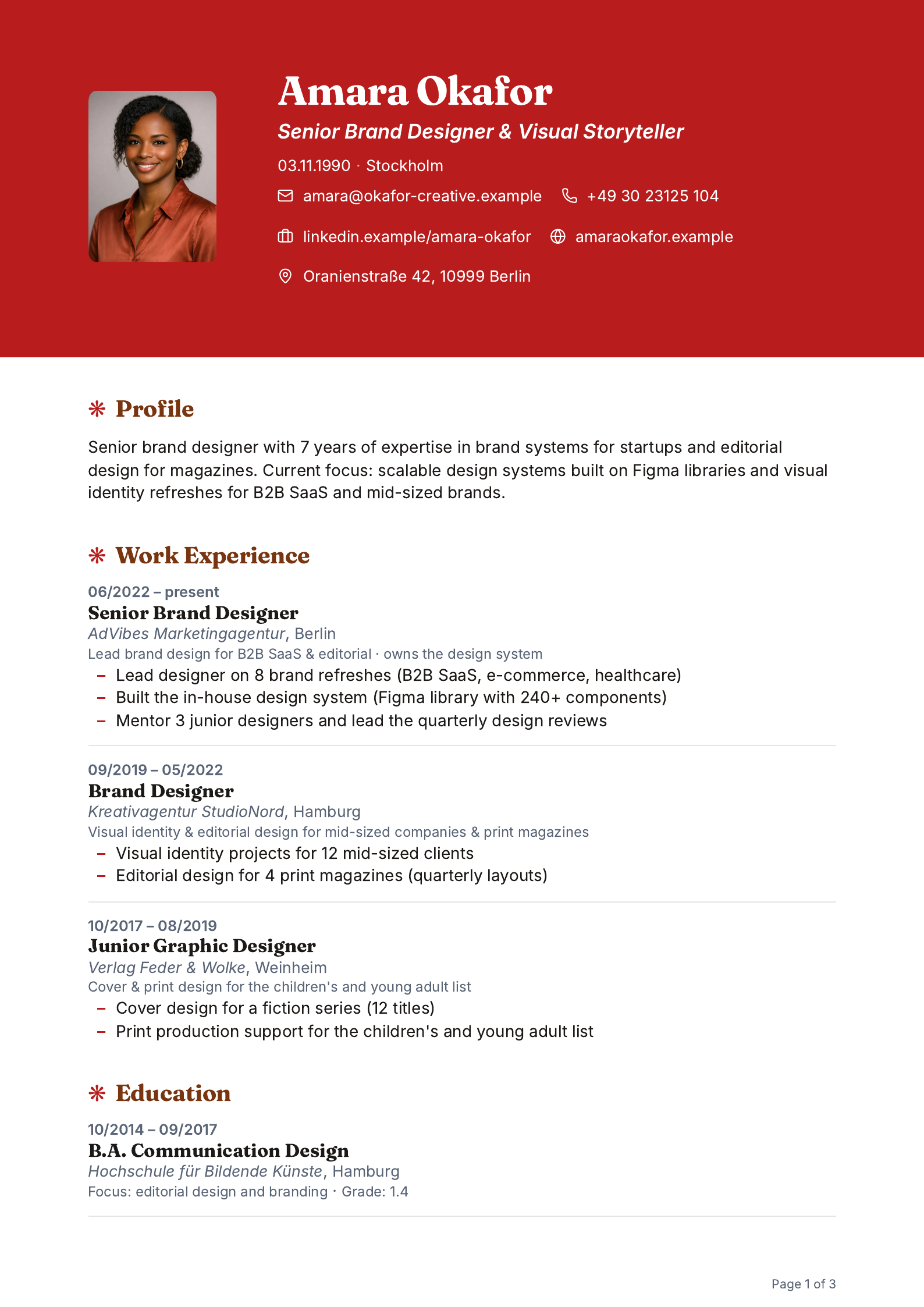
Red color header with photo. Stands out at once.
-
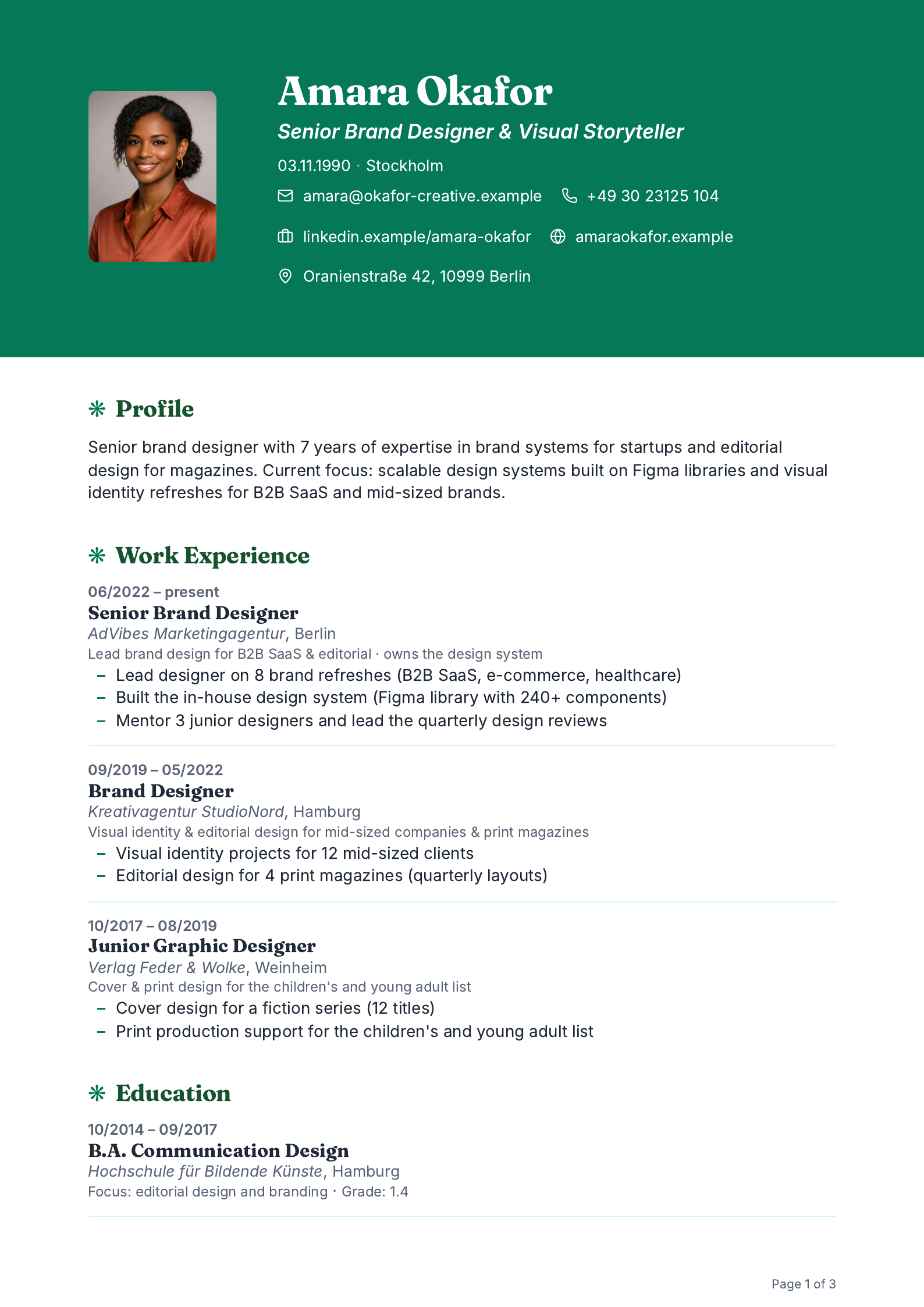
Green color header with photo. Bright and friendly.
-

Photo right, date column left, burgundy accents.
-

Photo right, date column left. The German classic.
-
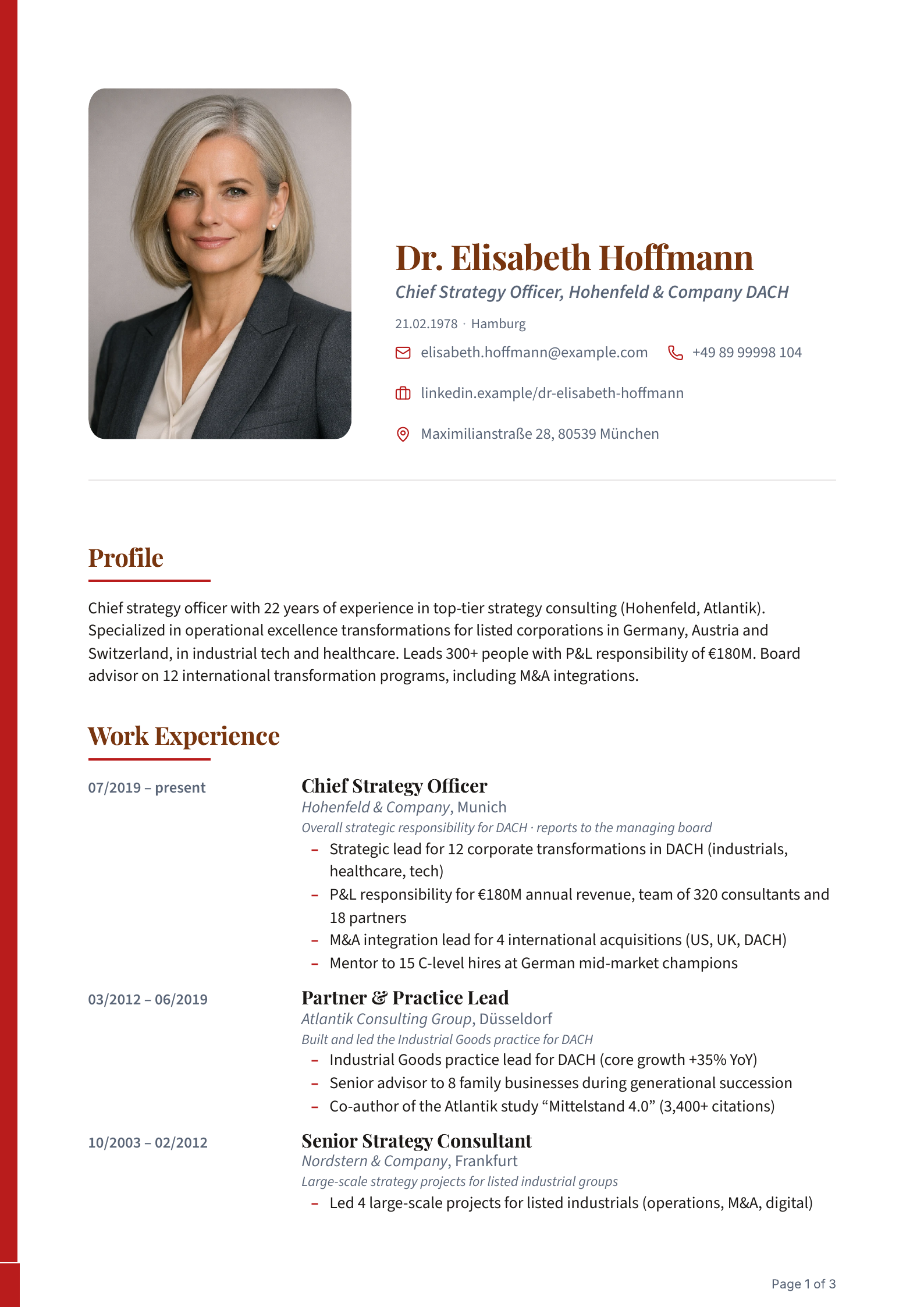
Large photo, serif name, red accent.
-
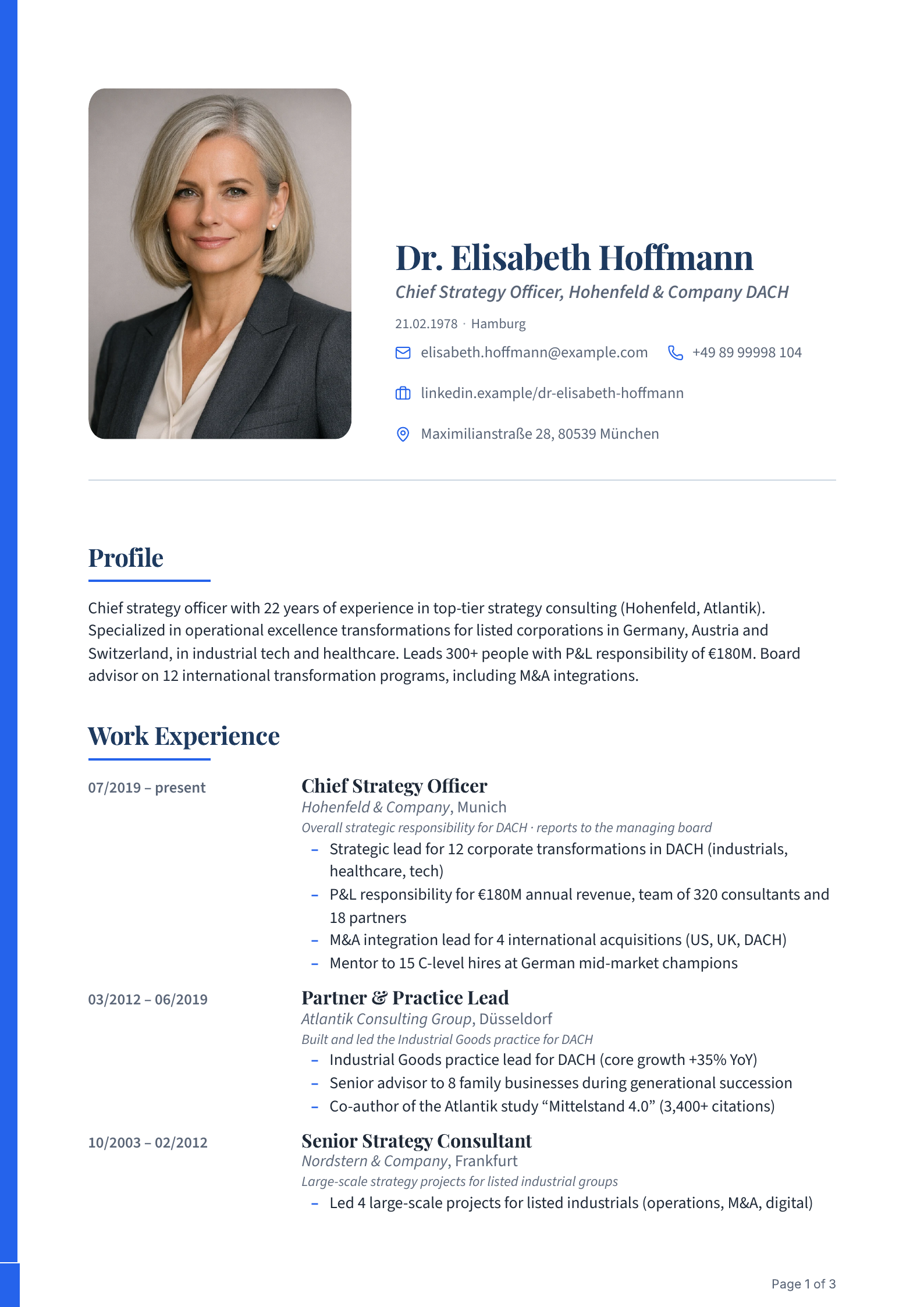
Large photo, serif name, blue accent.
-
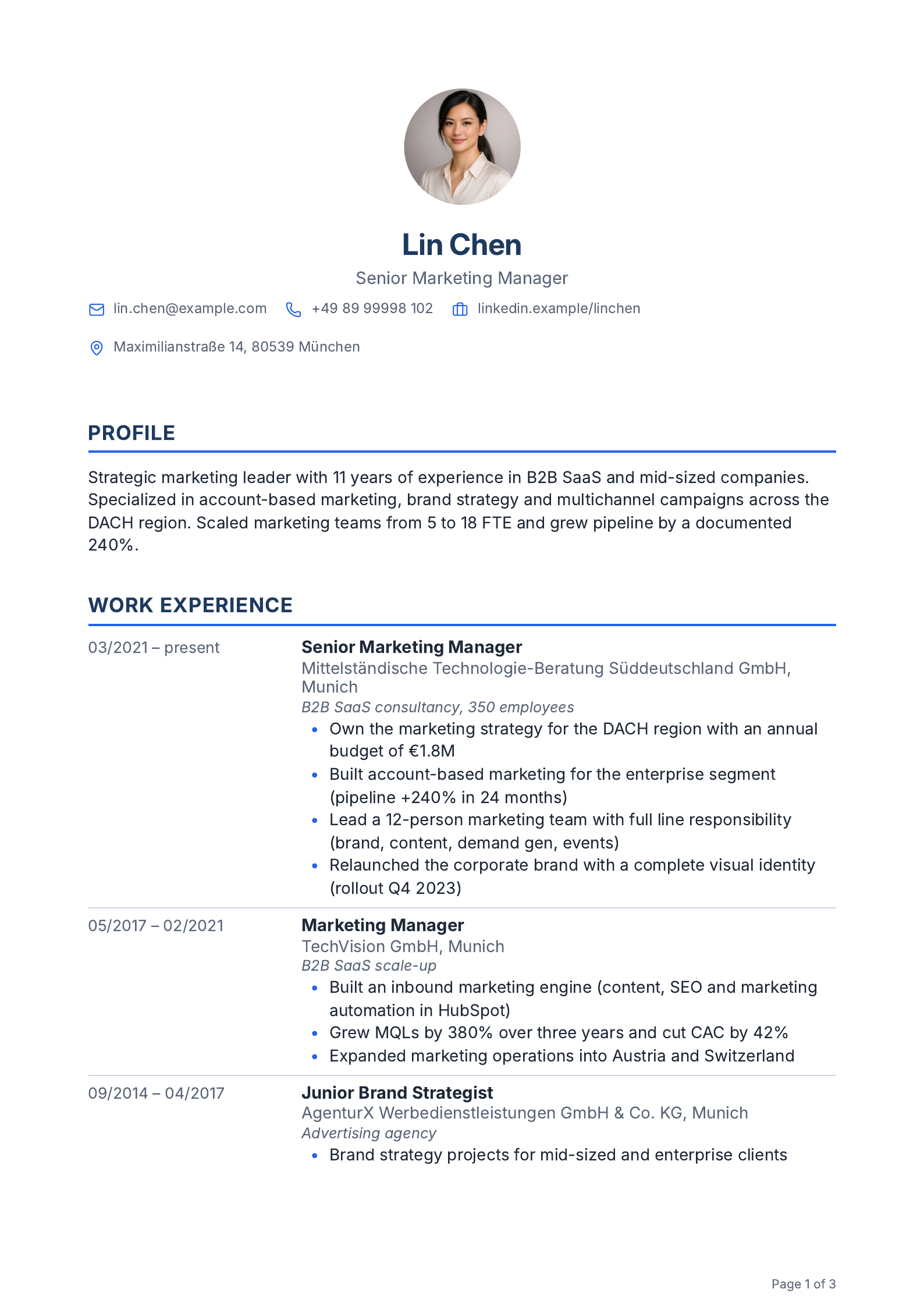
Name and photo centered, one column. Fits almost anywhere.
-
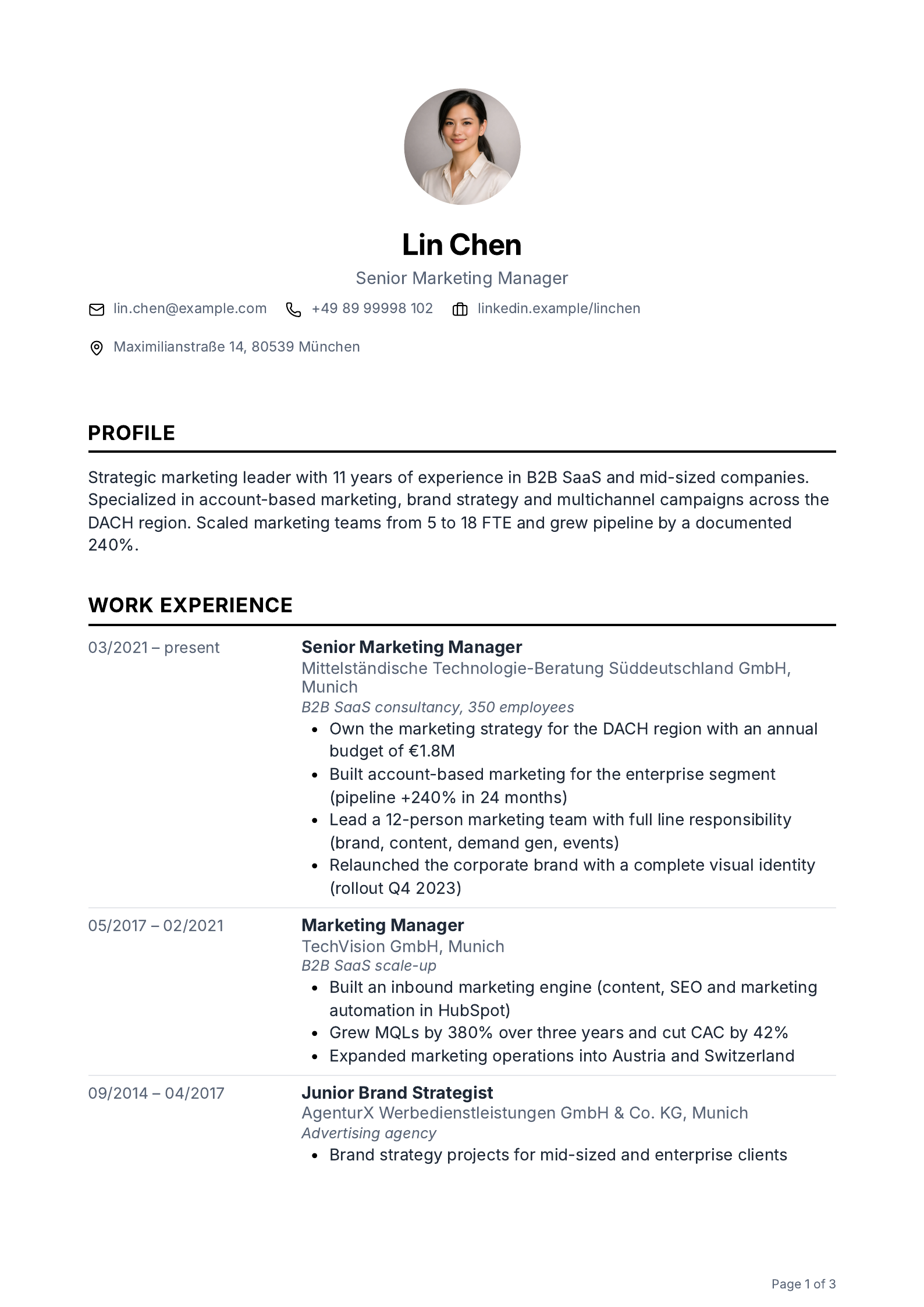
Centered, one column, all in black. Very understated.
-
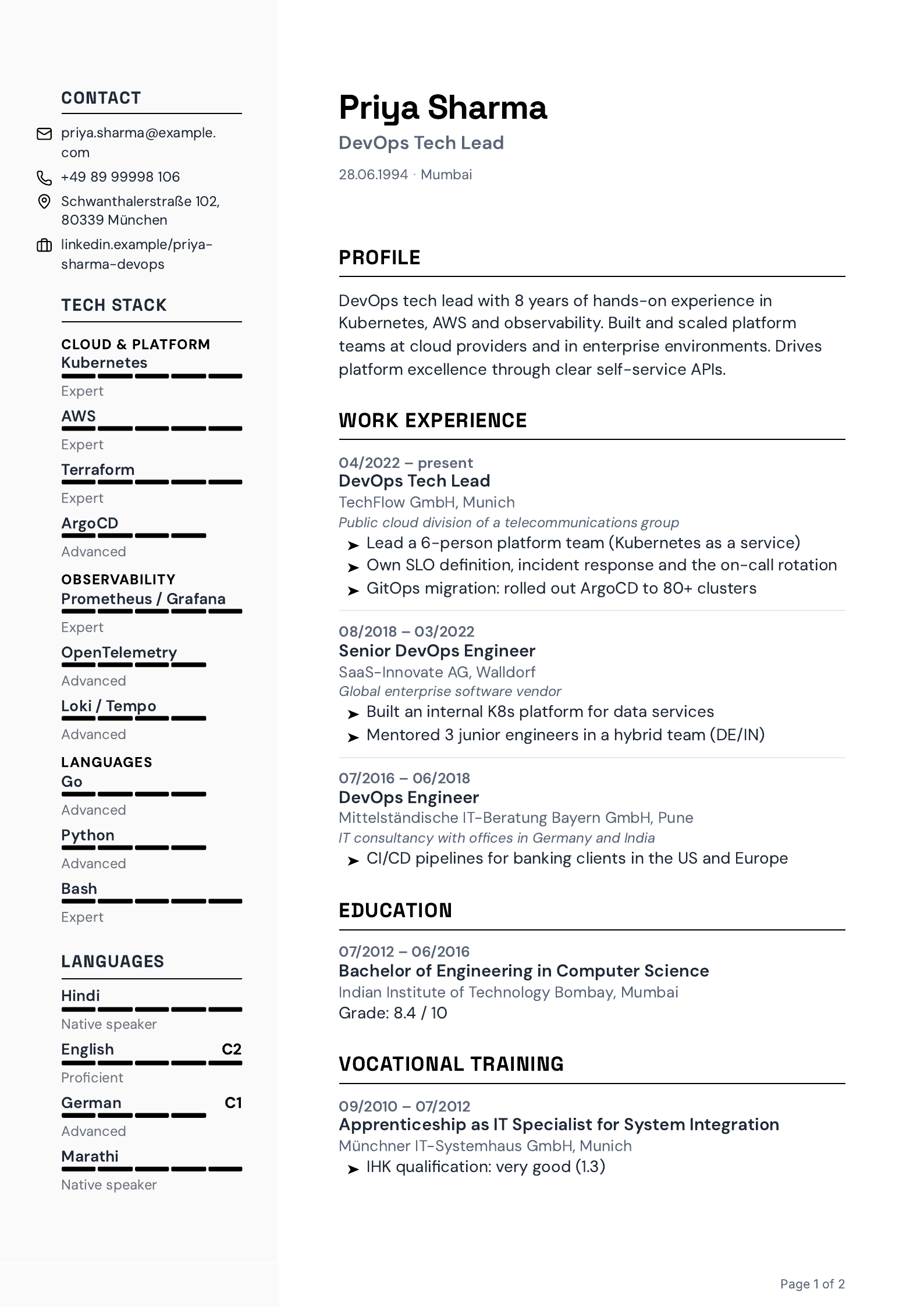
Gray sidebar on the left for contact and skills.
-
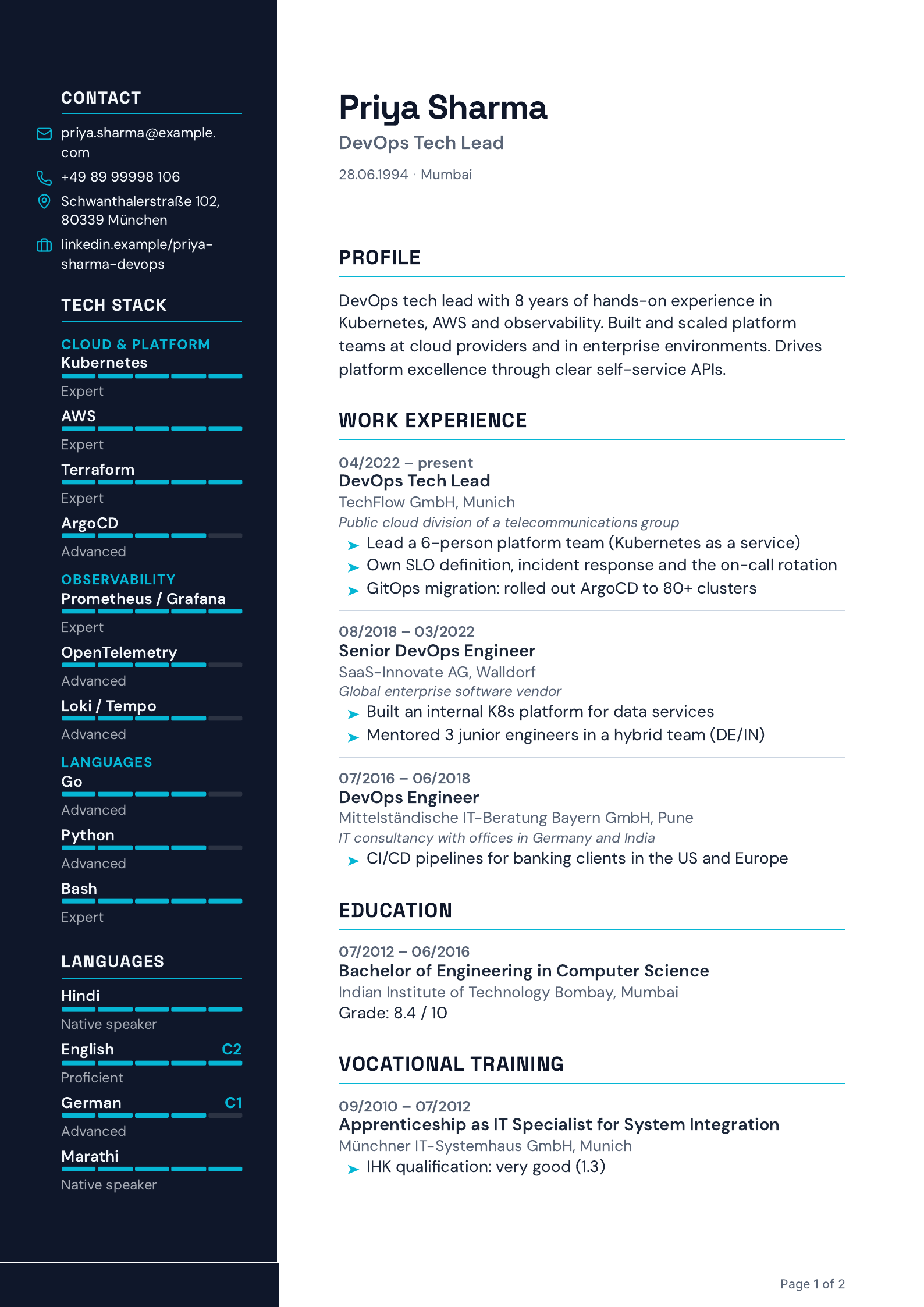
Dark sidebar on the left for contact and skills.
In the Layout Editor
Down to the last line
your layout
What makes our templates versatile isn’t the selection but the depth with which you adjust every detail. From letter-spacing to column architecture.
11 sections, your order
Drag and drop to reorder, show or hide each section individually, including your own arrangements per industry.
Typography down to letter-spacing
Typeface, size, weight, spacing: editable per level, global, per section, per item. With an explicit reset anytime.
Color sets or your own color
Ready-made color sets in one click or your own hex values. Match the layout to your personal or employer look.
Columns, sidebar, spacing
Single-column or sidebar left/right. Column width and spacing InDesign-style, to the millimeter.
Photo: shape, position or none
Round or square, in the header or the sidebar. Or gone entirely when you’re applying in the US or UK.
Skills and languages, your way
Bars, dots, stars or tag chips. Four display modes for levels: pick what fits your industry. The data stays, only the form changes.
From layout to CV
Our template
Your CV
Take one of our layouts as your starting point and make it your CV. In the Layout Editor you adjust colors, typography, spacing and photo shape in real time. Your data flows in automatically, and the result is a pixel-perfect PDF.
The full journey: how JACVault works